
To install the Channels app, go to the App Store or Google Play and download it. The app requires at least iOS 10 or Android 13, and an internet connection.
Open the app and sign in with your credentials to start calling. If you don’t have an account, you can create a fully functional 7-day free trial inside the app. Major account settings are managed in the Manager Panel, which you can open in your browser here.
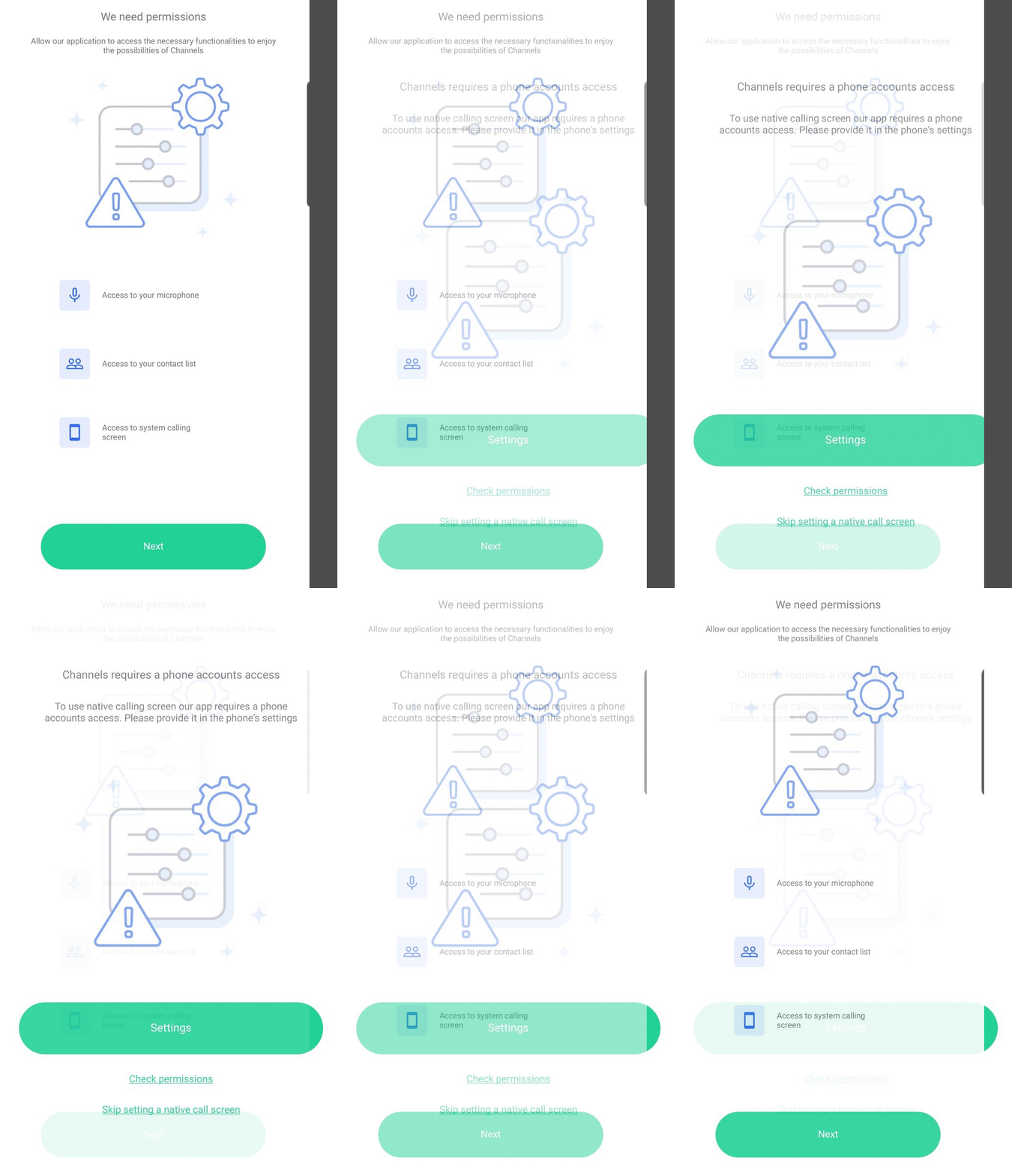
After signing in, please grant the app the necessary permissions.
I am stuck on an error! What do I do?
Wrong password error
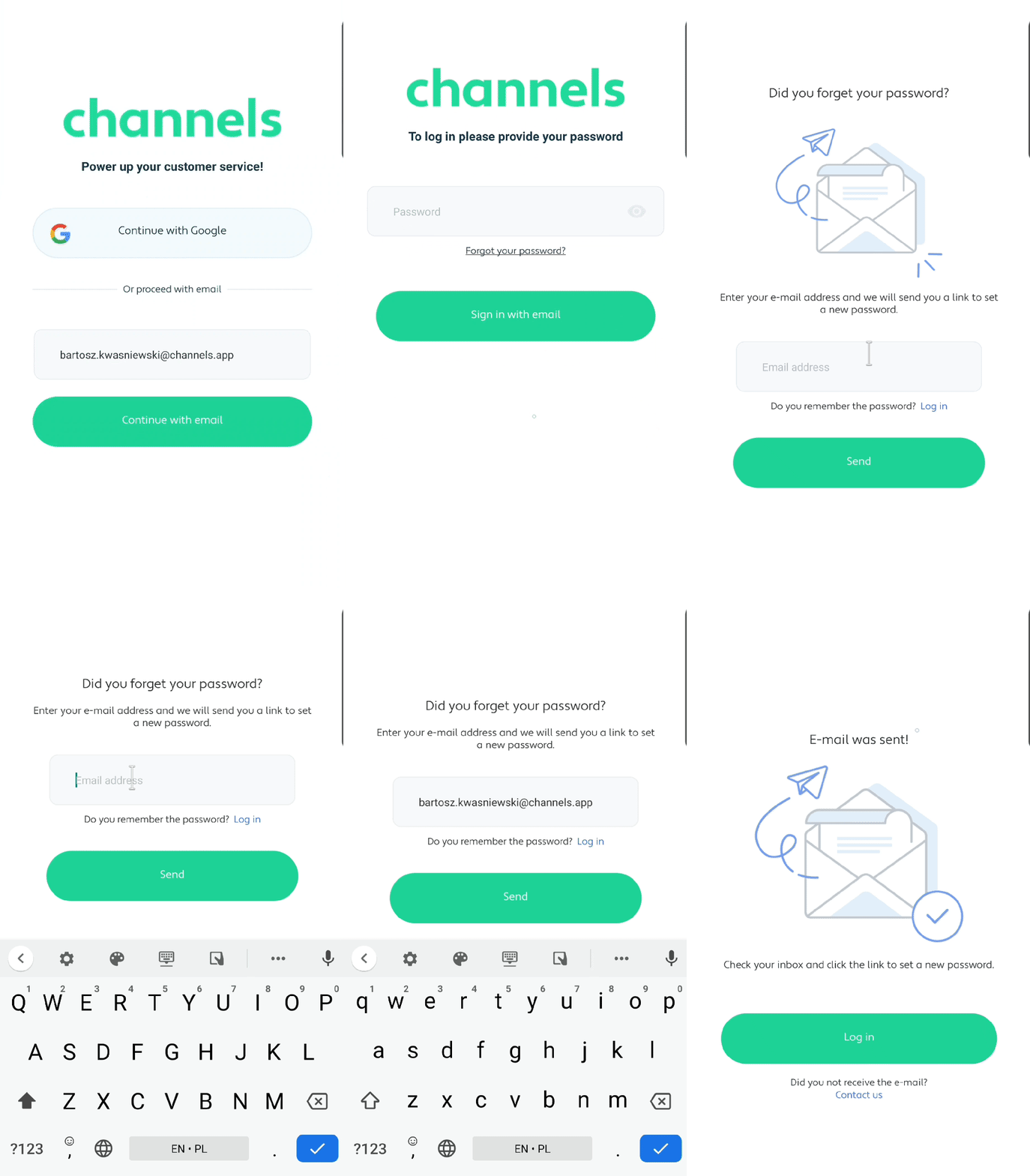
If you have hard time recalling the password, please use reset password option which is available after entering your email address. Email with password reset will be sent to the provided address.
Sorry, no subscription selected
To have access to the features of Channels you need to select a monthly plan. Please choose the Plan in the Accounts settings in order to continue. You can do it in the web browser right here and read more about it here. In case you have any questions or feel stuck, you can contact our 24/7 support!
Sorry, your account has expired
Subscription on your account expired and it needs to be renewed. You can check the state of your paid Plan in the web browser under this address or contact our 24/7 support to assist you!
Sorry, lack of funds on the account
Please add funds to your calling balance in the Balance section of the account details right here or contact our support.