Of course. We offer a 7-day free trial. Try out our software before you decide on the right plan. It takes only 5 minutes to set up, and no credit card is required!
It's pretty simple. Your total monthly charge consists of a chosen plan and paid numbers fee if you chose such. The actual cost of a subscription depends on the numbers of active user seats and additional paid phone numbers.
At the moment we accept all major credit cards, including Visa, MasterCard, and American Express.
How do I choose a plan?
Select a plan from the top-right dropdown menu. Open the “My Account” tab and click “Upgrade” to view all plans. Pick the plan that fits your business and enter the number of users who need access. The total cost depends on this: each plan includes a base number of users, and there is an extra fee for each user over that limit. You can choose annual billing to lower the average monthly cost.
If you haven’t added card details yet, you’ll be prompted to do so. After entering them, click “Buy” to confirm and activate your plan.
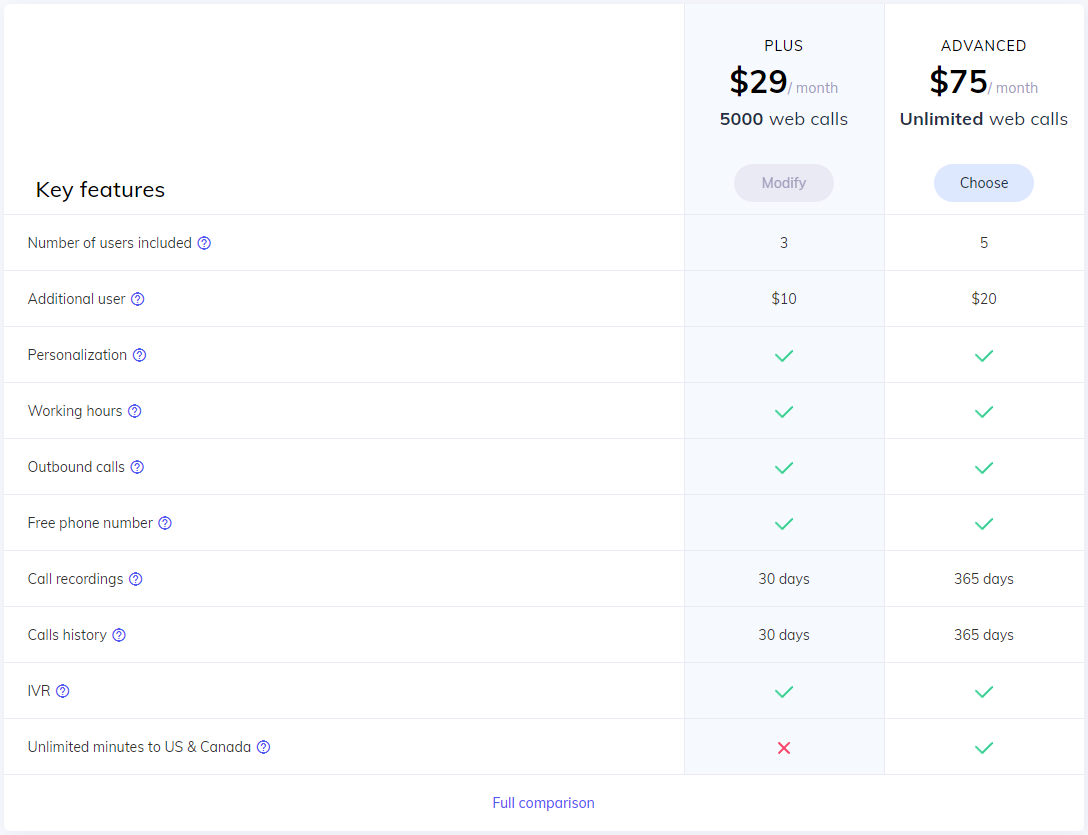
Yes. You can change your plan at any time, whether you want to grow it or scale it back.
Go to “My account” to change your subscription. There you will see your current plan and the number of active users you are paying for. To update these settings, click the “Change” button.
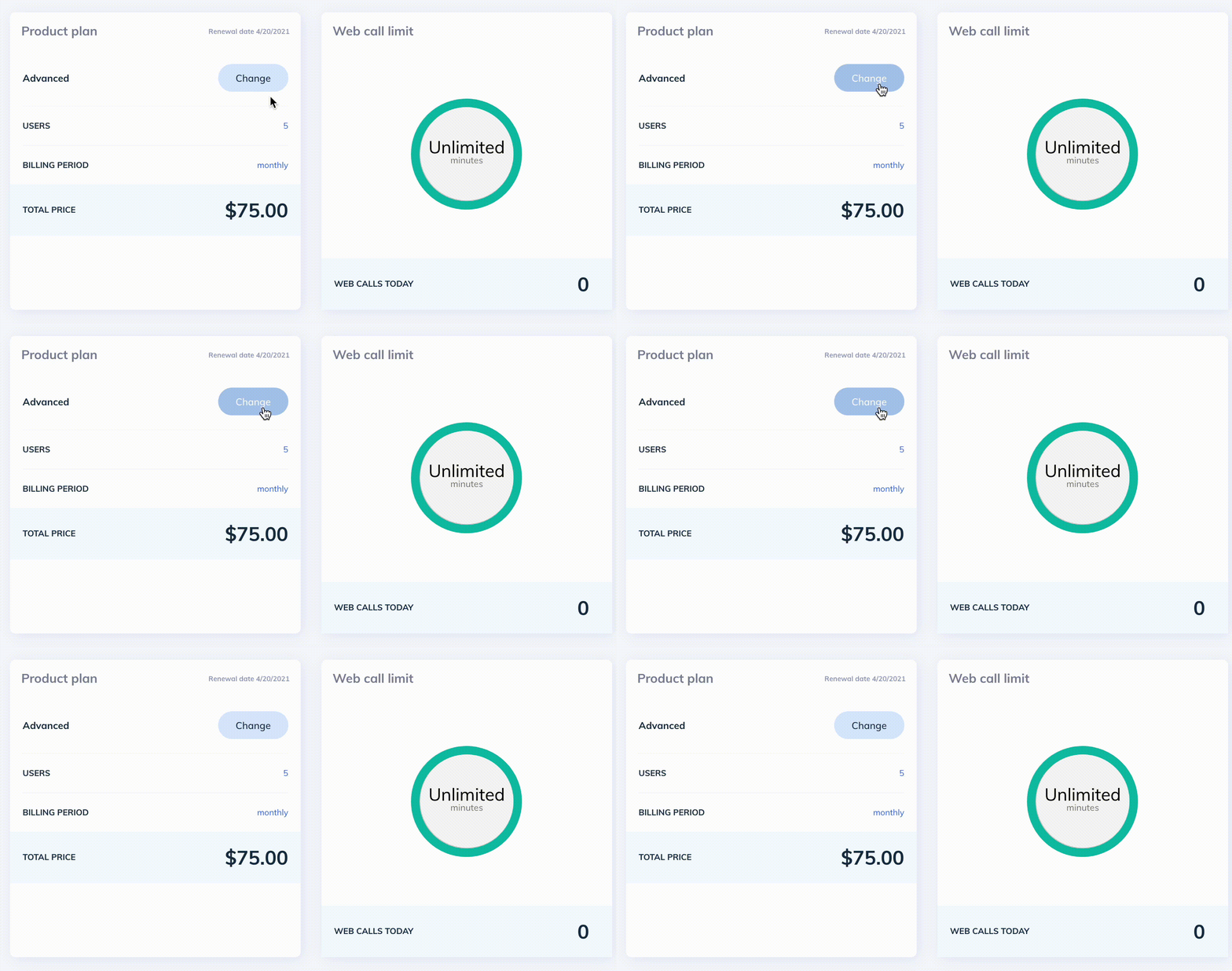
Afterwards, type the end amount of users in 'How many users?' window and choose the desired plan with the 'Subscribe' or 'Modify' button.
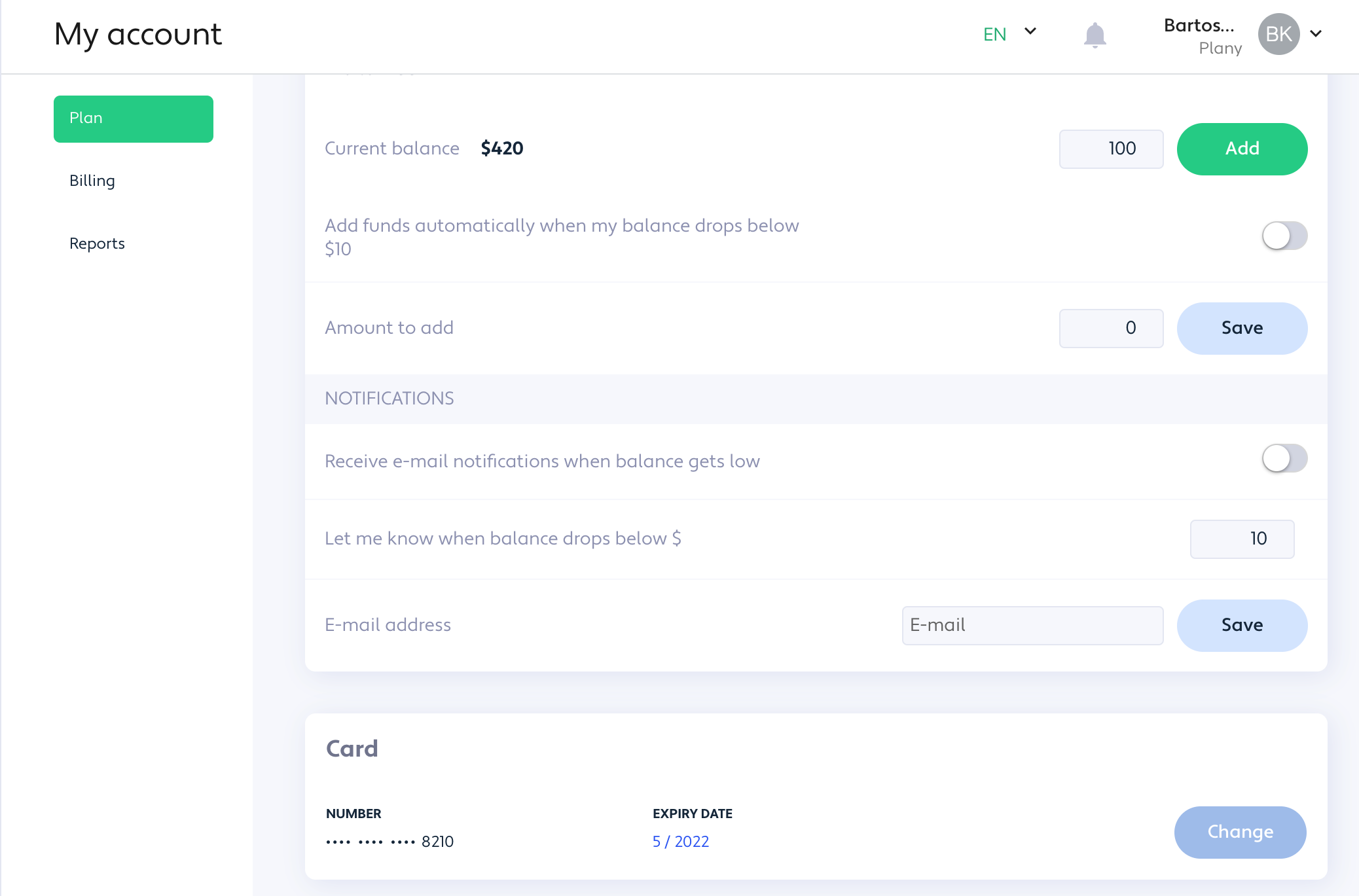
You can check your balance in the “My account” page. It appears in the Balance section, and you can turn on email alerts to be notified when your balance falls below a chosen amount. Enter your email address to receive these updates.
You can also enable automatic top-up when your balance drops below $10. Switch on the auto top-up toggle, enter the amount you want to add, and click Save to confirm.
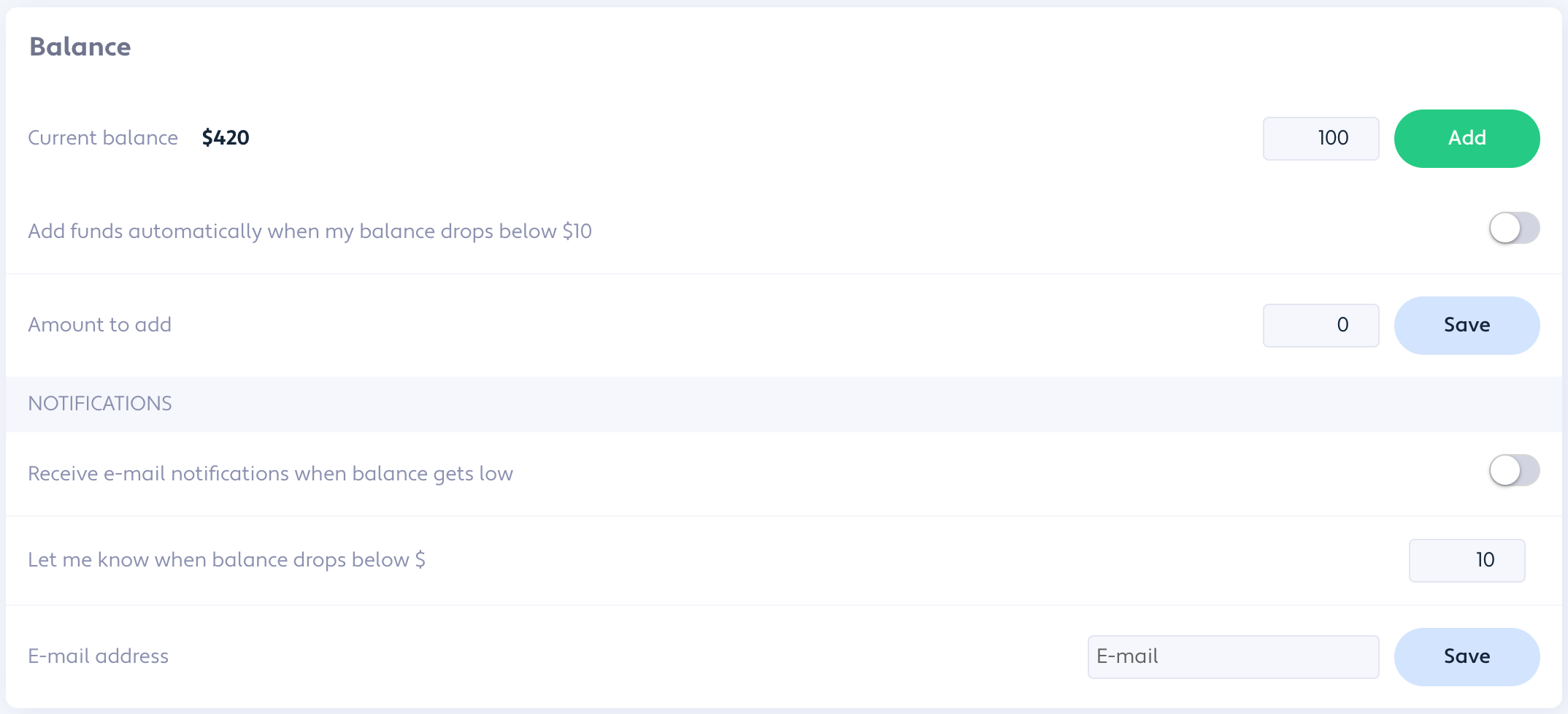
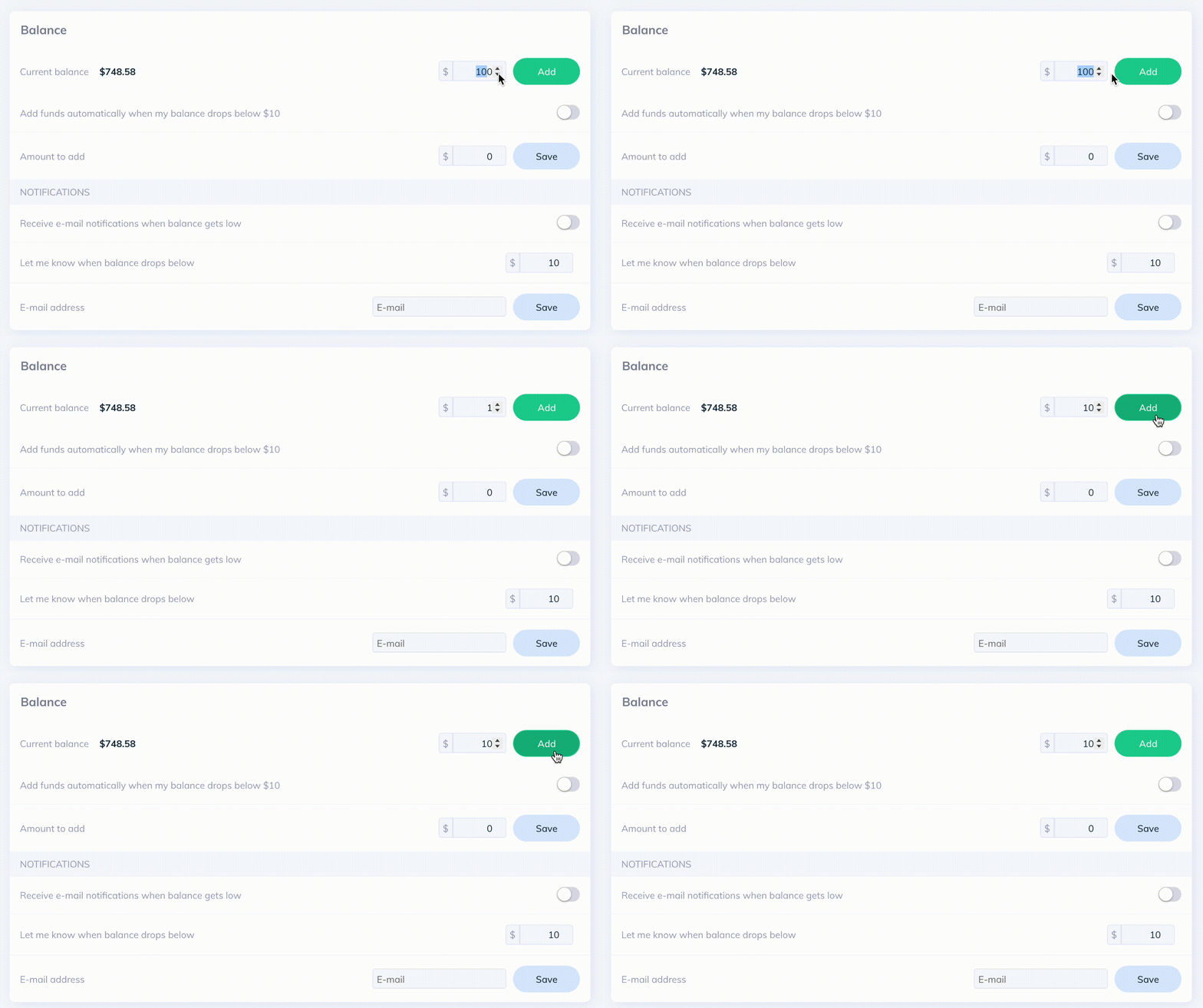
Go to “My account” and open the “Balance” section. Enter the amount you want to add and click “Add” to confirm. Your card will be charged for that amount.
Enter ‘My account’ and go directly to the ‘Billing’ section. It’s the place where you’ll see all your payments with receipts. Simply click on the download icon on the right to receive a PDF file for your selected invoice.
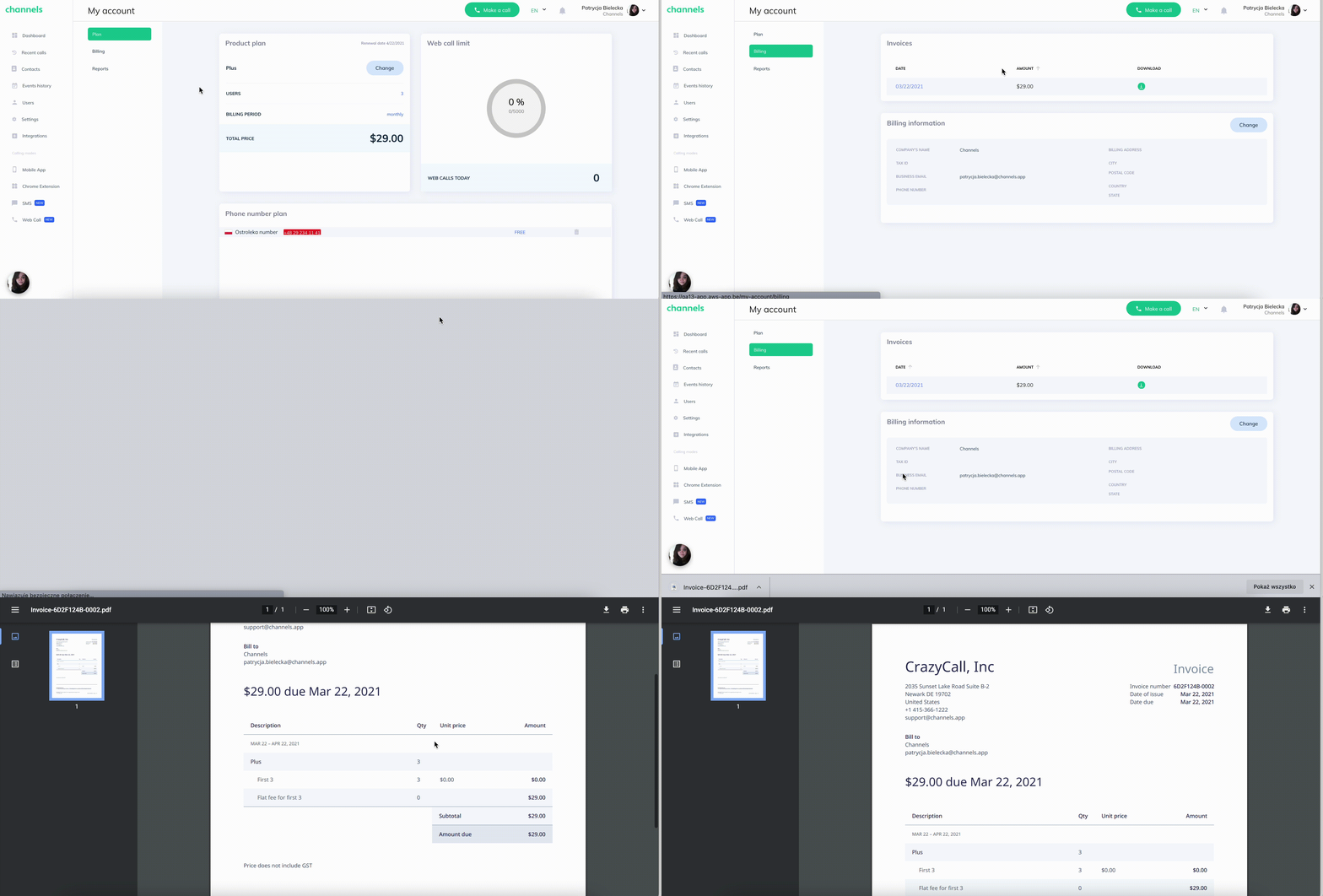
You’ll be prompted to insert your card details when you select the plan for the first time. This is necessary to complete your purchase. You can later change your card details in ‘My account’.
How can I buy more phone numbers in Channels?
Go to Settings or My Account and click the “Add New Number” button. You will see the number selection menu. Search for the country you want, pick a number, and confirm by clicking the “Buy Now” button.
How many numbers can I buy?
You can buy as many numbers as you need—there’s no limit. Note that besides a one-time setup fee, each number has a monthly charge.
Where do I check prices and availability of local phone numbers?
Open the top-right dropdown menu and go to “Pricing.” Search for the country you want to see prices and availability. You’ll find costs for all number types available there (national, local, mobile, etc.).
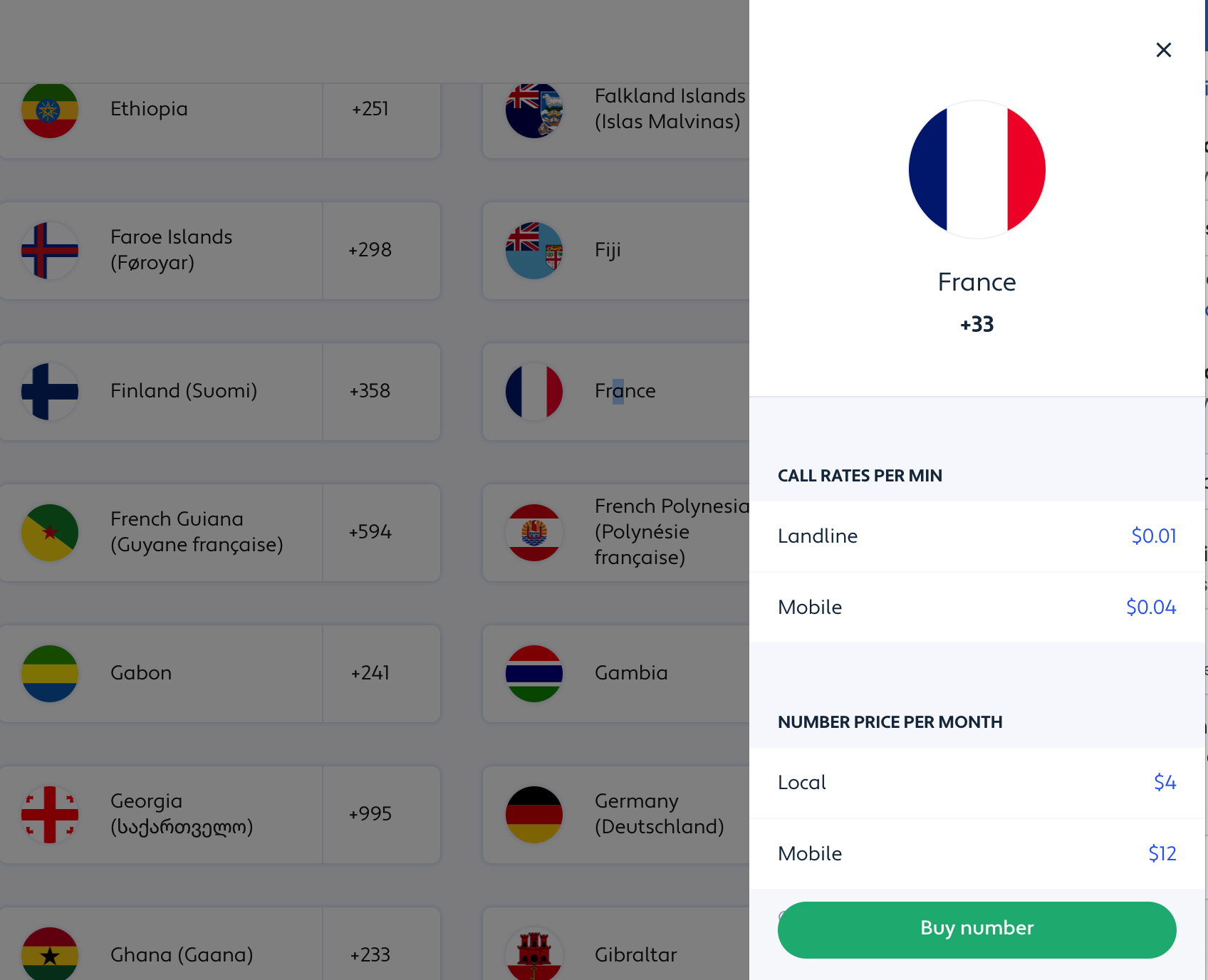
If you can’t find a number from the country you’re interested in, or encounter any other issue please contact our support.
Can I use my own business number to handle calls in Channels?
Unfortunately, we do not support using your own business numbers in Channels.
How do I check international connection rates?
You can find all international connection rates in the top right dropdown menu. Enter the ‘Pricing’ section and search for the country you wish to call to.
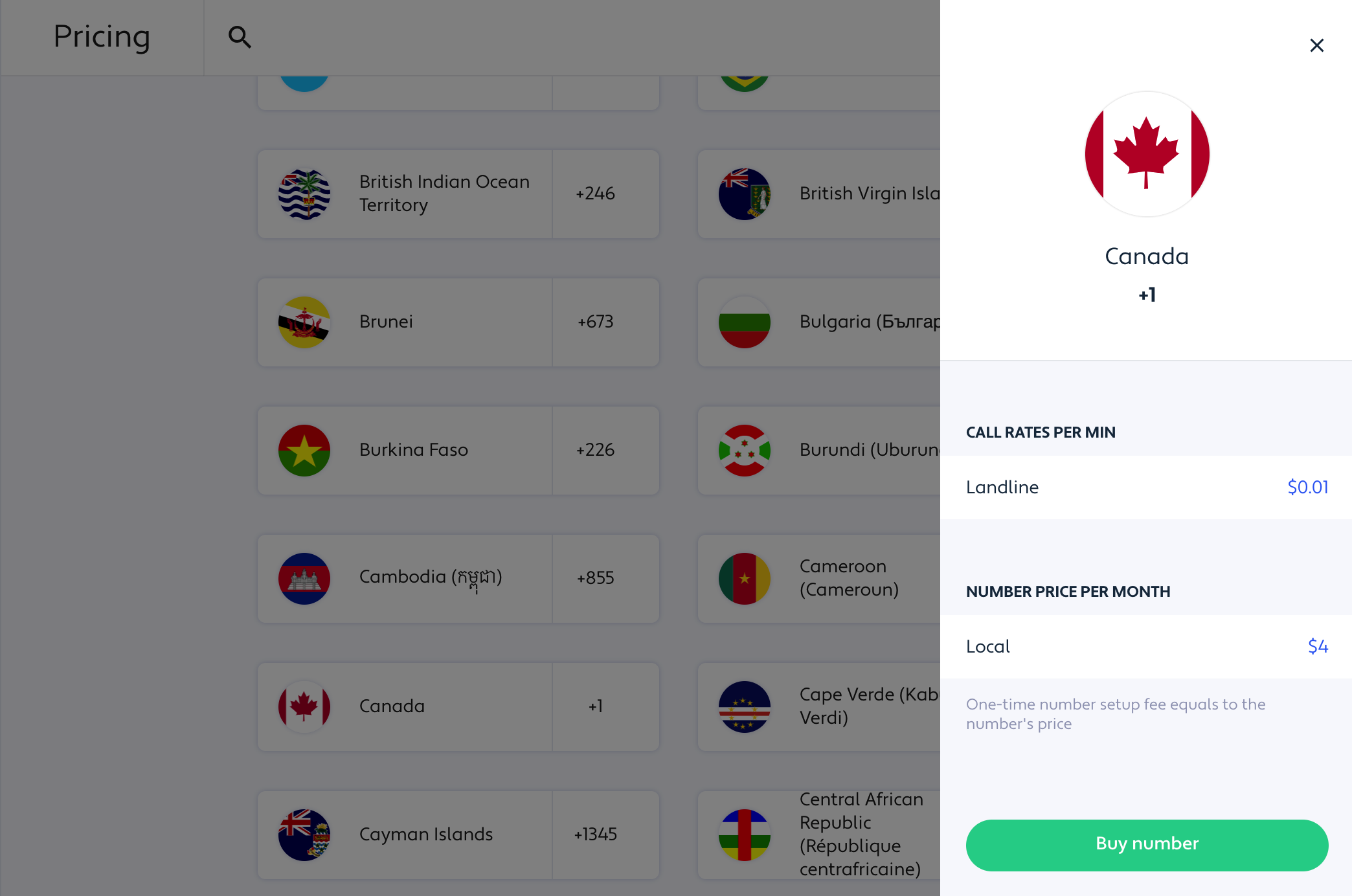
You’ll be presented with all available rates depending on the type of number you’re going to call - general mobile and landline or from a specific service provider.
