
With the initial installation process Channels mobile application will ask you for the following permissions:
- to record audio,
- to access your local contacts list,
- to make and manage phone calls.
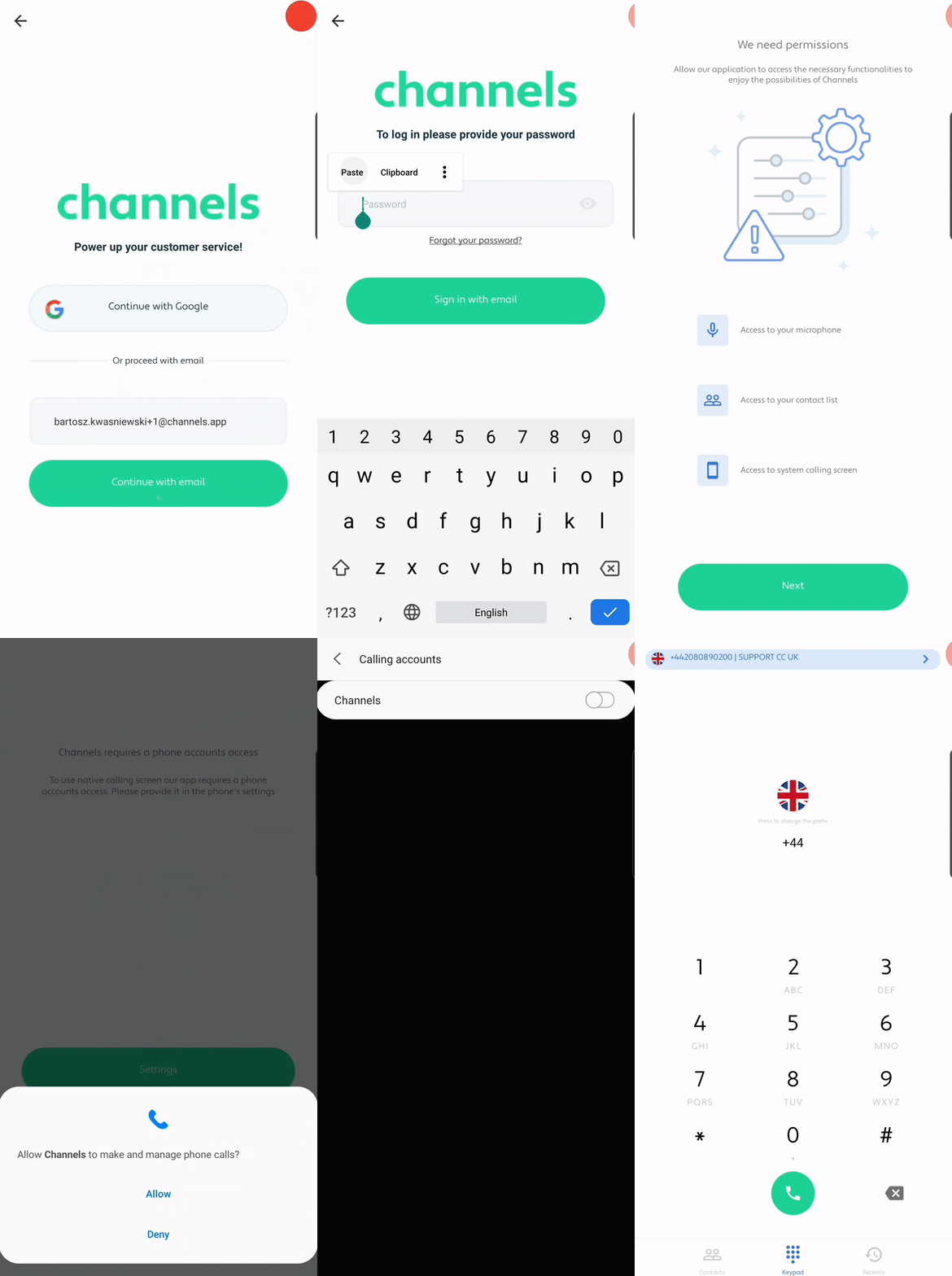
Recording audio is required so clients can hear you on calls. Without audio, they will not hear your voice. Allowing access to your contacts lets you dial saved numbers quickly with one tap inside the Channels app.
Adding Channels as a calling account lets the app use your phone’s native dialer. Calls will appear and be handled in your usual Android dialer, making incoming calls easier to answer. Incoming calls will show who is calling and which of your Channels numbers they are trying to reach. We strongly recommend these settings for the best experience. You can also opt out and use the Channels app dialer instead.